Heat Pump Won’t Turn On? 7 Things Homeowners Can Check First
Heat pump won’t turn on but the thermostat looks fine? Here are 7 simple checks homeowners can do safely before calling for heat pump repair service.
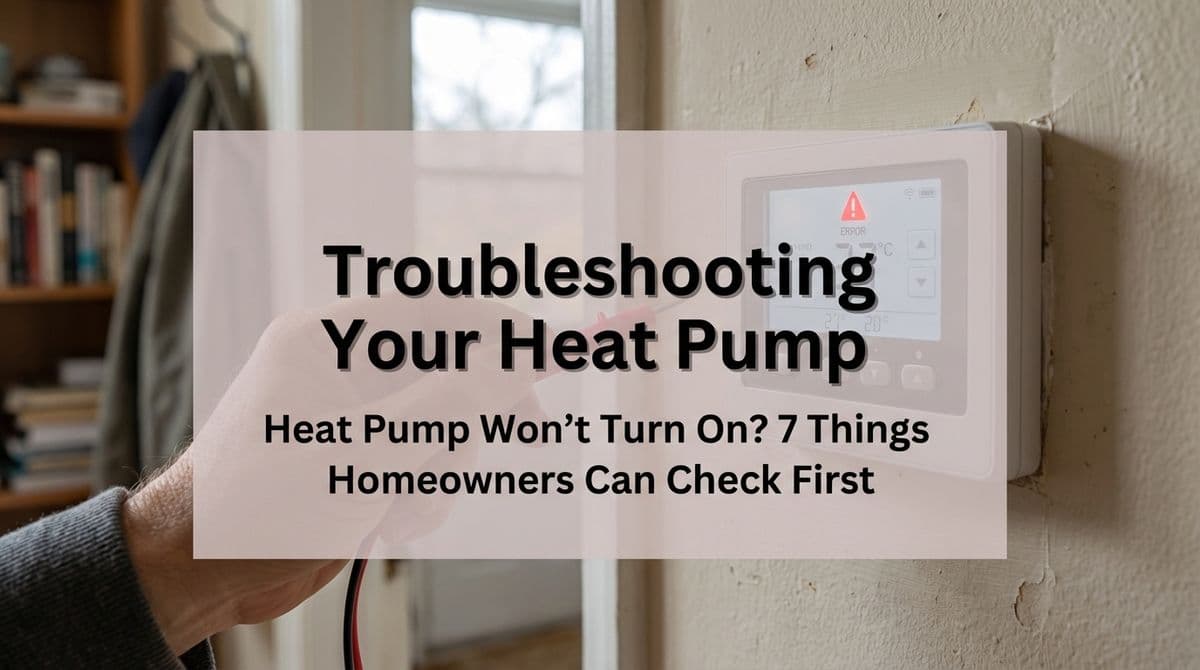
When the Thermostat Looks Fine but the Heat Pump Is Dead Quiet
We recently got a call from a homeowner — let’s call him Dave — in a nearby neighborhood. Dave has a Lennox heat pump that’s only about two and a half years old. Sometime in the middle of the night, it just quit. By morning, the house was getting cold.
Dave told our office team, “The thermostat says the heat is on, the screen looks normal, but nothing’s running — not the fan, not the outdoor unit. I already checked the breakers.”
That situation is more common than you might think: heat pump won’t turn on, thermostat looks perfectly fine. In Dave’s case, our tech suspected right away that the system had lost its 24‑volt control power — something like a blown low-voltage fuse, a bad transformer, or a wiring issue. We still sent a technician out after lunch to get him back up and running, but there are several things homeowners like Dave can safely check before calling for service.
1. Double‑check the thermostat mode and settings
Even when the thermostat looks fine, it can still be set in a way that keeps the system from starting.
- Make sure it’s set to Heat (not Off or Cool).
- Confirm the fan is on Auto, not just On — On will only run the blower, not necessarily trigger heating.
- Set the temperature at least 3–5°F above the current room temperature.
If the display changes when you press buttons and it clearly says “Heating” or “Heat On” but the system never clicks or starts, the thermostat may be calling for heat but not actually getting power from the heat pump’s control circuit.
2. Understand what thermostat batteries really do
Dave was sure it wasn’t his thermostat batteries — and he was partially right. A lot of homeowners assume that if the thermostat screen is lit up, everything is good. However, many thermostats use batteries only to power the display and programming, while the heat pump itself still needs separate 24‑volt power from the indoor unit.
That means:
- The screen can look normal even if the system has lost control voltage.
- If the batteries are weak, the thermostat can behave erratically, but a dead heat pump with a healthy‑looking screen often points elsewhere.
It’s still worth popping in fresh batteries if yours has them — it’s quick, cheap, and can rule out one variable — but don’t assume “screen on” means the rest of the system has power.
3. Check both the main breaker and the indoor emergency switch
Dave had already checked his breakers, which was a smart first step. For anyone else in this situation, there are a couple of places to look:
- Main electrical panel: Find the breakers labeled for your heat pump or air handler. If any breaker is tripped, fully turn it off and then back on to reset it once. If it trips again immediately, stop and call a professional.
- Indoor unit service switch: Near your indoor air handler or furnace, there’s often a wall switch (it can look like a light switch). Make sure it’s in the On position.
If the thermostat says “Heat On,” the breakers and switch are on, but the blower never even tries to start, that’s a strong clue there’s a control or low‑voltage issue, not just a tripped breaker.
4. Look for a tripped outdoor disconnect (carefully)
Most heat pumps have a disconnect box mounted on the wall next to the outdoor unit. Inside is either a pull‑out handle or a small breaker.
You can safely do a visual check:
- Make sure the pull‑out is fully inserted in the “On” position, or
- If it’s a breaker style, see that it is not obviously tripped to the off position.
We don’t recommend homeowners open anything that exposes live electrical parts. If something looks burned, loose, or damaged, leave it alone and call us.
5. Replace or check the indoor air filter
A badly clogged air filter won’t usually make the thermostat lie to you, but it can cause the system to overheat and shut down on safety. Some systems will reset on their own once they cool off; others may need a technician to reset a limit or address damage.
Before you assume the worst, do this:
- Locate your return air filter(s) at the grill or air handler.
- Slide the filter out and check for heavy dust buildup.
- If it’s dirty, replace it with the correct size and airflow rating.
After changing a clogged filter, give the system 10–15 minutes and see if it tries to start again.
6. Listen and look for any signs of life
When we were talking with Dave, our team asked a key question: “When you call for heat, do you hear anything at all? A click at the thermostat, the indoor blower trying to start, or the outdoor unit humming?” In his case, there was nothing — total silence.
You can do a quick check yourself:
- Stand by the indoor unit while someone bumps the thermostat a few degrees higher.
- Listen for a soft click at the thermostat or control board and the blower starting up.
- Step outside and listen for the outdoor fan or compressor.
What it can mean:
- Absolutely nothing happens: Very often a loss of 24‑volt control power (blown fuse, bad transformer, or wiring problem).
- Indoor blower runs but outdoor unit is dead: Possible outdoor fuse, contactor, or low‑voltage issue outside.
- Outdoor hums, then shuts off: Could be a failing capacitor or motor and needs a technician.
7. Know when to stop troubleshooting and call a pro
With Dave’s system, our technician found that the thermostat really was fine — it had battery power, but the heat pump had lost its 24‑volt control power due to a problem in the low‑voltage circuit. That’s not something a homeowner should try to fix on their own.
Call a professional right away if:
- You’ve verified settings, breakers, and the filter, and the heat pump is still completely dead.
- You see or smell anything burned at the equipment or panel.
- Breakers or disconnects trip again after you reset them once.
- You’re not comfortable working around electrical components (which is totally understandable).
When you call, be ready to share exactly what you’ve already checked. That helps our team narrow down the problem faster and show up better prepared, just like we did for Dave.
We’re here to help get the heat back on
If your heat pump won’t turn on but the thermostat looks fine, don’t panic. Work through these simple checks first — they might save you a service call. And if the system still won’t start, that’s where our technicians come in.
We work on all major heat pump brands, including Lennox units like Dave’s. If you’re staring at a thermostat that says “Heat On” while your house keeps getting colder, reach out to our team. We’ll diagnose the real issue, restore your heat safely, and help you keep your system running reliably going forward.